RestricT a Tax Jurisdiction to a Single Postal Code
When a tax jurisdiction is contained within a single postal code rather than defined by city or county limits, you can restrict the tax jurisdiction to a specific postal code.
Accessing the Tax Jurisdiction Details panel
| 1. | In the navigation panel on the left, select Tax Jurisdictions. |
The system displays a list of existing Tax Jurisdictions.
| 2. | Double-click the jurisdiction you wish to edit. |
The Tax Jurisdiction Details panel slides open.
Restricting the jurisdiction to a specific postal code:
| 1. | Click the Settings tab. |
| 2. | Enter the same postal code in the From Postal Code and To Postal Code fields. |
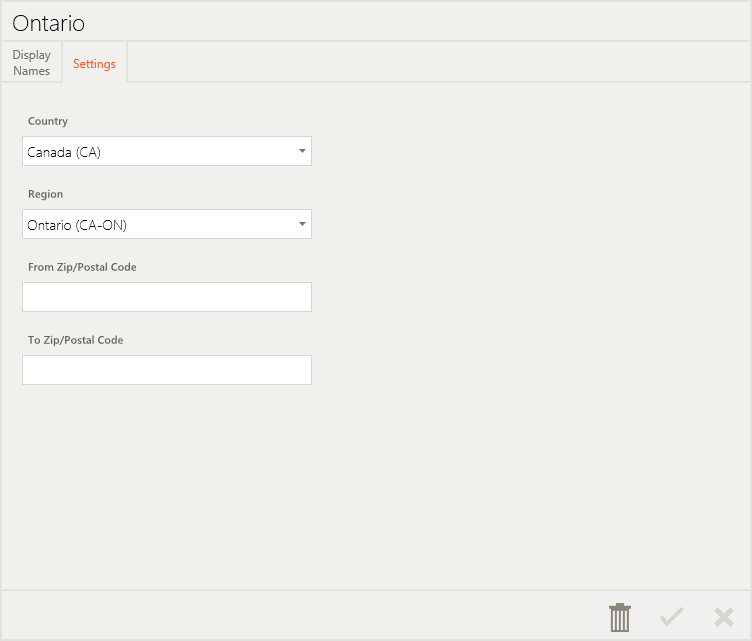
The From Zip/Postal Code and To Zip/Postal Code fields can also be used to enter different values, when you wish to include a range of Zip/Postal Codes in the Tax Jurisdiction.
| 3. | Click  Save. Save. |
REFERENCES
| • | Add Tax Jurisdictions |
| • | Tax Jurisdiction Details Panel |